PHP2Shell and Xerox: Here’s what’s fixed and what still needs attention
Updated November 16, 2026.
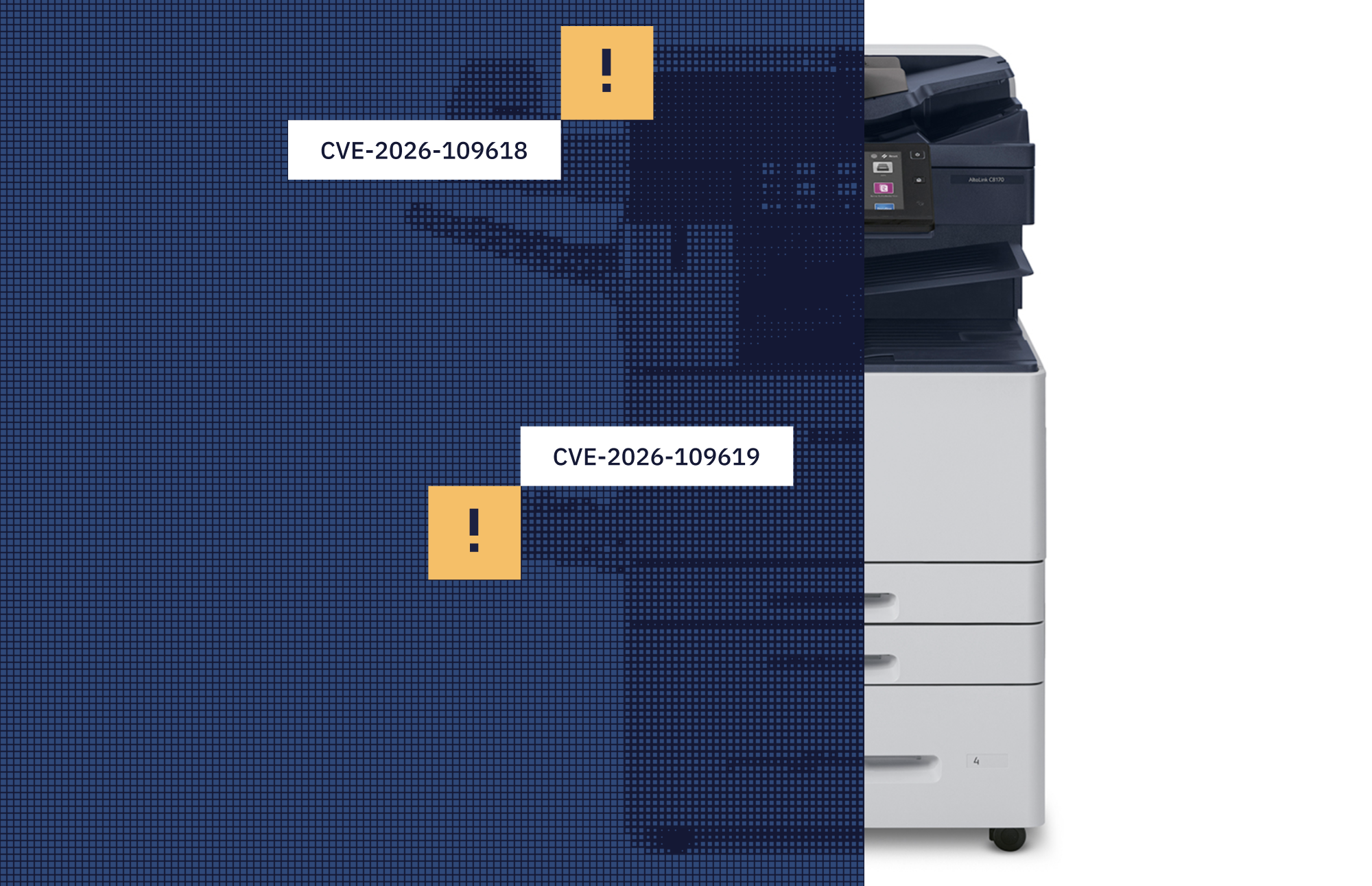
Xerox has confirmed that certain printers and Fiery print controllers are affected by PHP2Shell, two critical security flaws in PHP software. Attackers could exploit these flaws to run malicious code on affected devices.
On October 26, CISA added both vulnerabilities, CVE-2026-109618 and CVE-2026-109619, to its Known Exploited Vulnerabilities catalog. Affected equipment needs prompt attention.
What does this mean for healthcare?
For healthcare organizations, a compromised device could interrupt printing, scanning and faxing or expose information it can access.
The way you restrict access matters. Xerox warns against disabling HTTP/HTTPS on devices that use authentication, authorization and accounting solutions or are managed remotely. For those devices, restrict web access to trusted networks or approved management hosts.
Disabling HTTP/HTTPS can interrupt sign-in, secure print release and other workflows that rely on the embedded web server. Re-enabling it requires someone at the device.
Where the updates stand
Xerox’s November 13 bulletin distinguishes between products with full fixes available and those with patches that only reduce exposure.

A full fix being available does not mean a device is protected. The applicable update must be installed and verified. Where only an exposure-reducing patch is available, keep the recommended access restrictions in place.
Some Fiery PHP patches have already been published, including a November 12 release for the Xerox EX C9065/C9070 print server. Target dates do not confirm availability for every controller. Check the model-specific release and installation instructions before scheduling the work.
Four steps to address affected devices
Based on Xerox’s guidance, the Techio team recommends the following steps to address affected equipment and keep departments working through the changes.
1. Identify affected equipment and the workflows it supports.
Check device and controller models, installed software, locations and departments. Prioritize management interfaces accessible from the internet or untrusted networks.
Knowing where a device sits is only part of the picture. You also need to know which printing and scanning tasks depend on it.
2. Restrict management access carefully.
Limit access to affected Xerox printers’ web interfaces to trusted networks or approved management hosts. Check dependencies before changing access controls so staff can continue using required authentication, printing and scanning functions.
For Fiery controllers, follow the guidance for the specific system.
3. Apply the appropriate update and track what remains unresolved.
Follow the model-specific installation instructions. Record whether the update provides a full fix or only reduces exposure.
Where further remediation is needed, keep the required protections in place and assign someone to monitor vendor updates and coordinate the remaining work.
4. Verify the update, access controls, and workflows.
- Confirm the installed software version or patch record.
- If you restricted web access, check that approved management hosts can still reach the interface and that access from untrusted networks is blocked.
- Test relevant EMR printing, secure print release and scanning workflows with department staff to confirm they can complete their tasks.
- If you suspect a device has been compromised, involve IT security. Installing an update does not replace an incident investigation.
Limited bandwidth? Techio can help.
We identify affected devices, apply the appropriate vendor updates and test printing and scanning after changes. Where only interim patches are available, we track the remaining fixes and follow through.