
Supporting Cerner Go-Live Readiness at Alan B. Miller Medical Center
Overview
Alan B. Miller Medical Center is a 156-bed acute care hospital in Palm Beach Gardens, Florida, operated by Universal Health Services(UHS). The hospital opened in May 2026 and is the first new hospital built in the region since 1979.
As a new facility preparing for clinical operations, Alan B. Miller Medical Center needed the peripherals environment around Cerner fully deployed, configured, and validated before go-live. This included printers, scanners, badge readers, barcode scanners, phones, workstation-connected devices, and the Cerner access workflows clinical and administrative teams would rely on from day one.
Techio supported UHS through Technology Deployment and Cerner Go-Live Device Readiness, helping prepare the peripherals environment for activation.
The Project
The project focused on preparing the hospital’s peripherals environment for operational use before Cerner go-live.
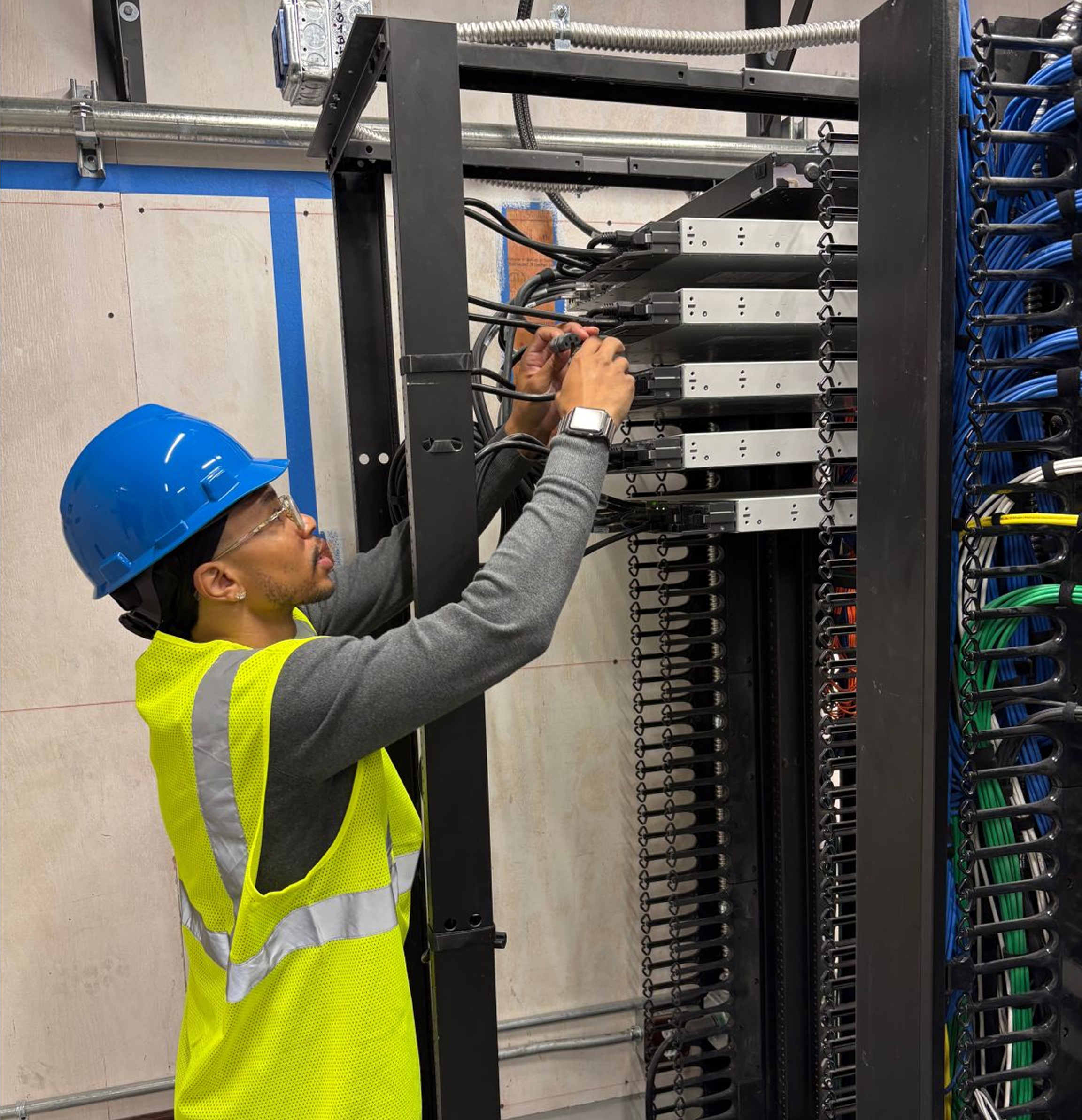
Techio’s scope included workstation-connected device deployment, infrastructure cleanup, cable management, Cisco phone programming, Zebra printer configuration, scanner deployment, Education Room setup, and Cerner workstation validation.
The goal was to make sure the technology environment was ready for real hospital workflows, including staff training, clinical access, authentication, printing, scanning, and communication across nursing and support areas.
Step 1: Deploy and activate the device environment
Techio supported the physical deployment and setup of critical end-user technology across the hospital.
This included Emergency Department workstation connectivity, PC deployment for nurse stations and offices, Cisco phone programming across multiple floors, Zebra printer configuration, and cable management to create organized and secure work areas.
A key part of this phase was the “Education Room” deployment. Techio installed and configured 30 workstations for staff training. Each setup included a PC, dual monitors, keyboard, mouse, badge reader, Dragon microphone, and barcode scanner.
This phase helped establish the technology foundation needed for staff education, department readiness, and continued go-live preparation.
Step 2: Validate and remediate for Cerner readiness
After deployment, Techio supported the Cerner Go-Live Device Readiness, a structured readiness process used to validate that workstations met UHS and Cerner requirements before activation.
Each workstation was tested against a detailed checklist covering:
- PC asset labeling and device name verification
- Automatic login configuration
- Single Sign-On functionality
- Badge reader testing
- Printer installation and default printer assignment
- Cerner Fusion icon deployment
- Automatic Cerner login
- PowerChart launch
- Patient list verification
- Cerner front-end and back-end printer installation
This validation process confirmed that the peripherals and workstation-connected workflows were not only installed, but ready to support Cerner use in the live hospital environment.
When devices required remediation, Techio helped identify, document, and support corrective action. One common issue involved Imprivata Single Sign-On functionality, which required coordination with Desktop Support to update software, drivers, and authentication settings before confirming successful badge-tap login.
The Outcome
Techio helped UHS move the peripherals environment from deployment to go-live readiness.
By supporting technology deployment, workstation validation, and remediation before activation, Techio helped reduce device-related risk ahead of Cerner go-live and helped UHS enter go-live with a device environment tested against real clinical workflow requirements.